AI Image Recolor Before and After Examples
A private set of clear before-and-after recolor examples supporting the existing PixelGenie recolor feature. Each concept demonstrates a different practical editing intent, such as product variants, clothing changes, room palettes, branding, and seasonal adjustments.
Complete collection
Photos in this pack
Open any photo, then use arrow keys
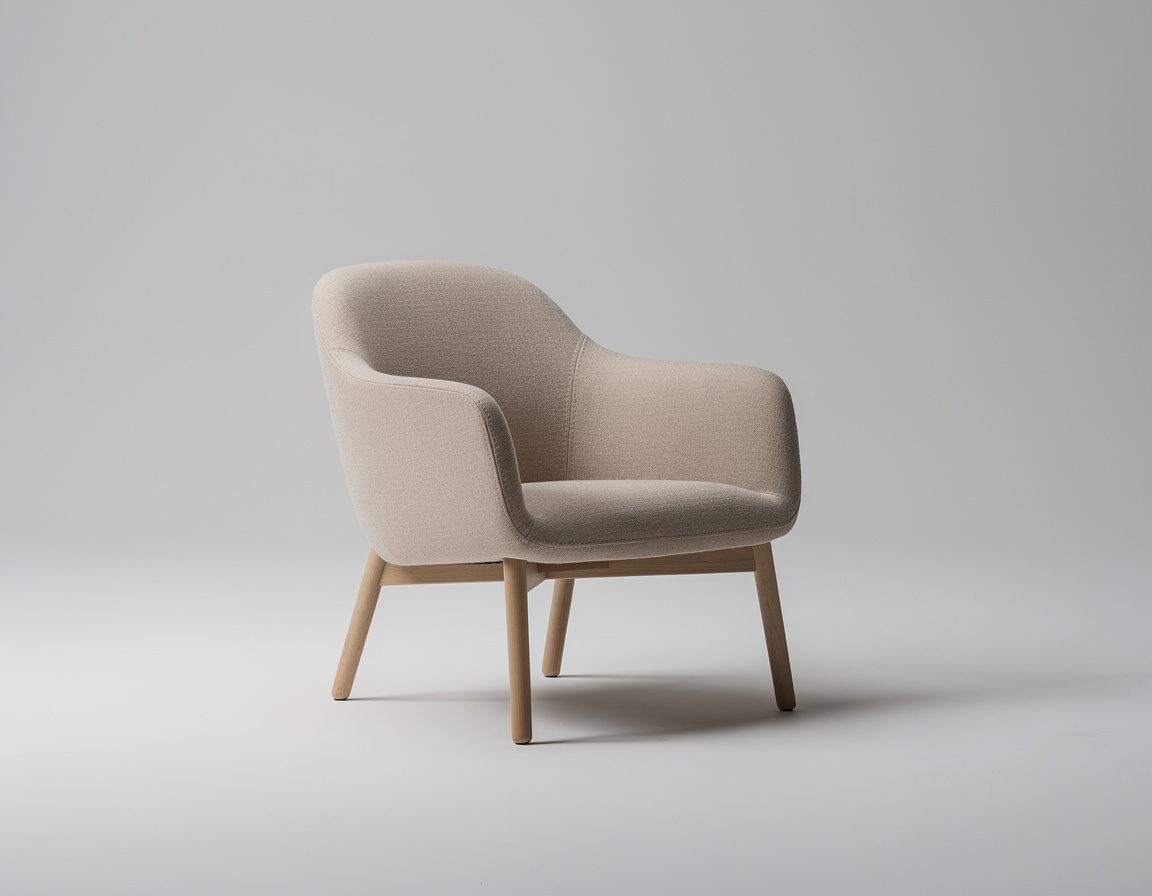
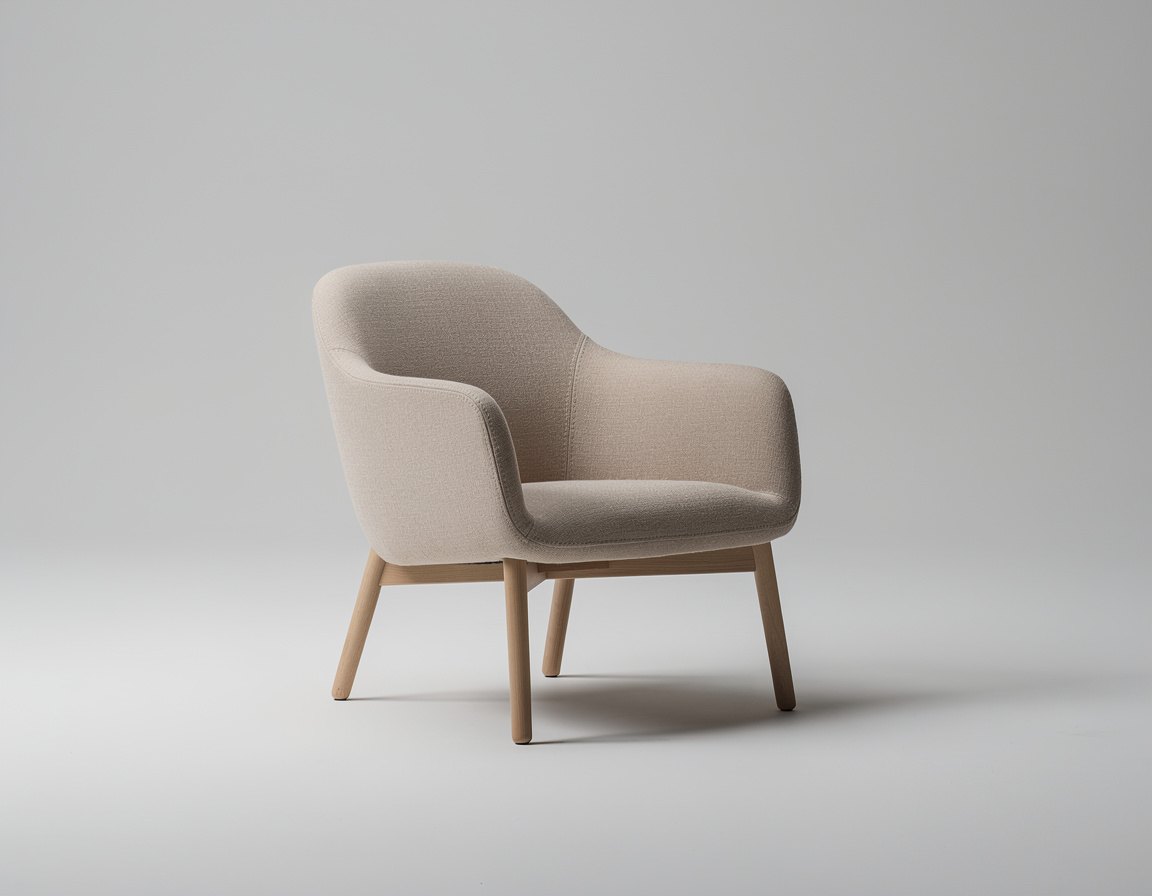
Clean commercial product photograph of a single minimalist armchair upholstered in muted beige fabric, three-quarter front view in a simple neutral studio, realistic textile weave, soft controlled lighting, natural shadows, centered composition, no text, no split screen, no comparison panel
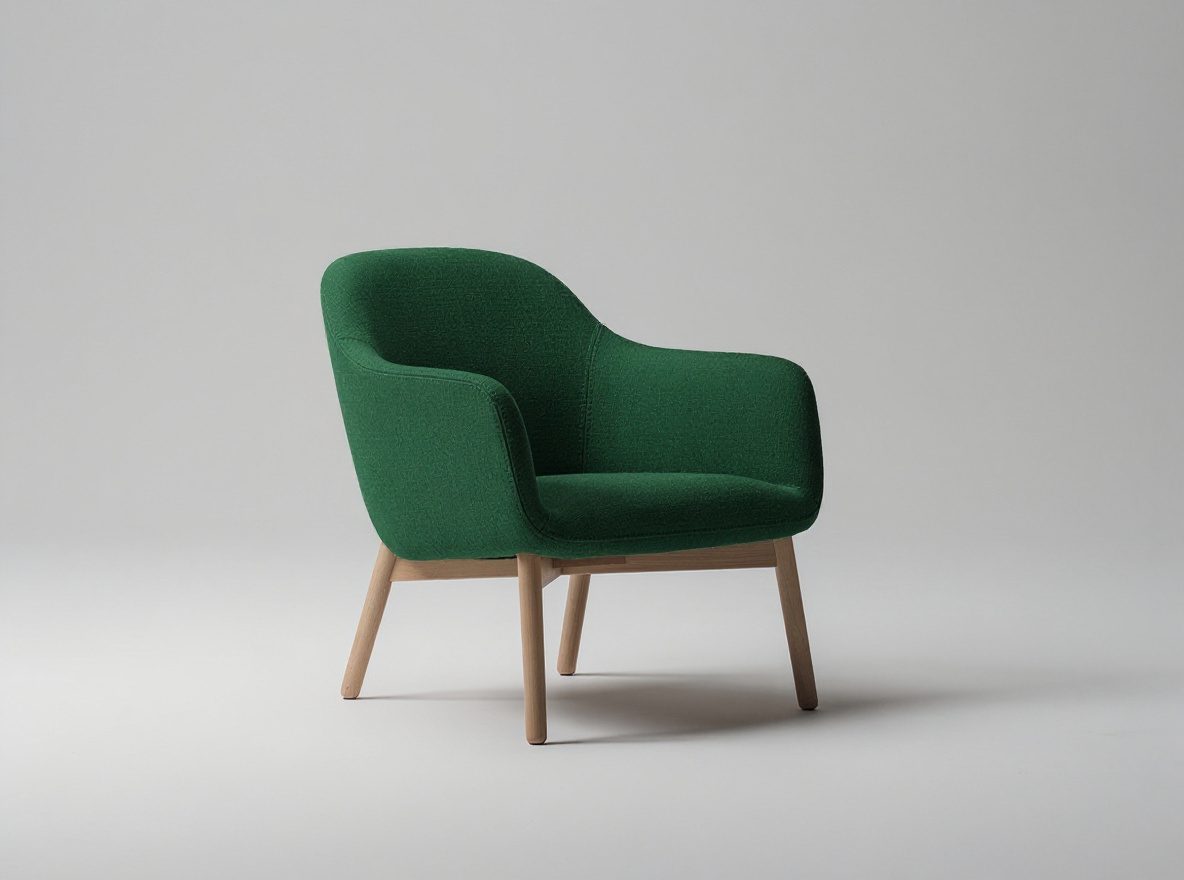
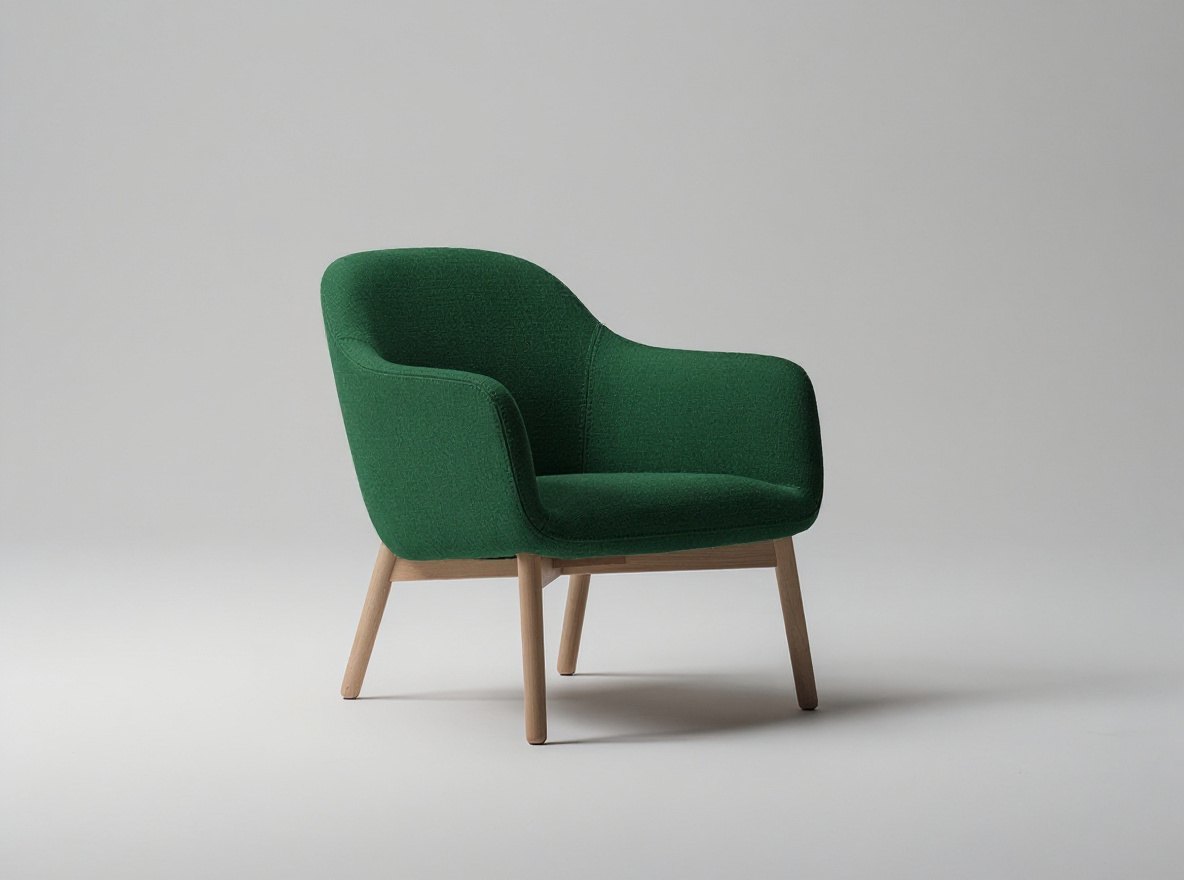
Change only the armchair upholstery color from muted beige to deep forest green. Preserve the exact chair shape, seams, fabric texture, wooden legs, camera angle, framing, background, lighting, and shadows. Do not add or remove anything. No text.
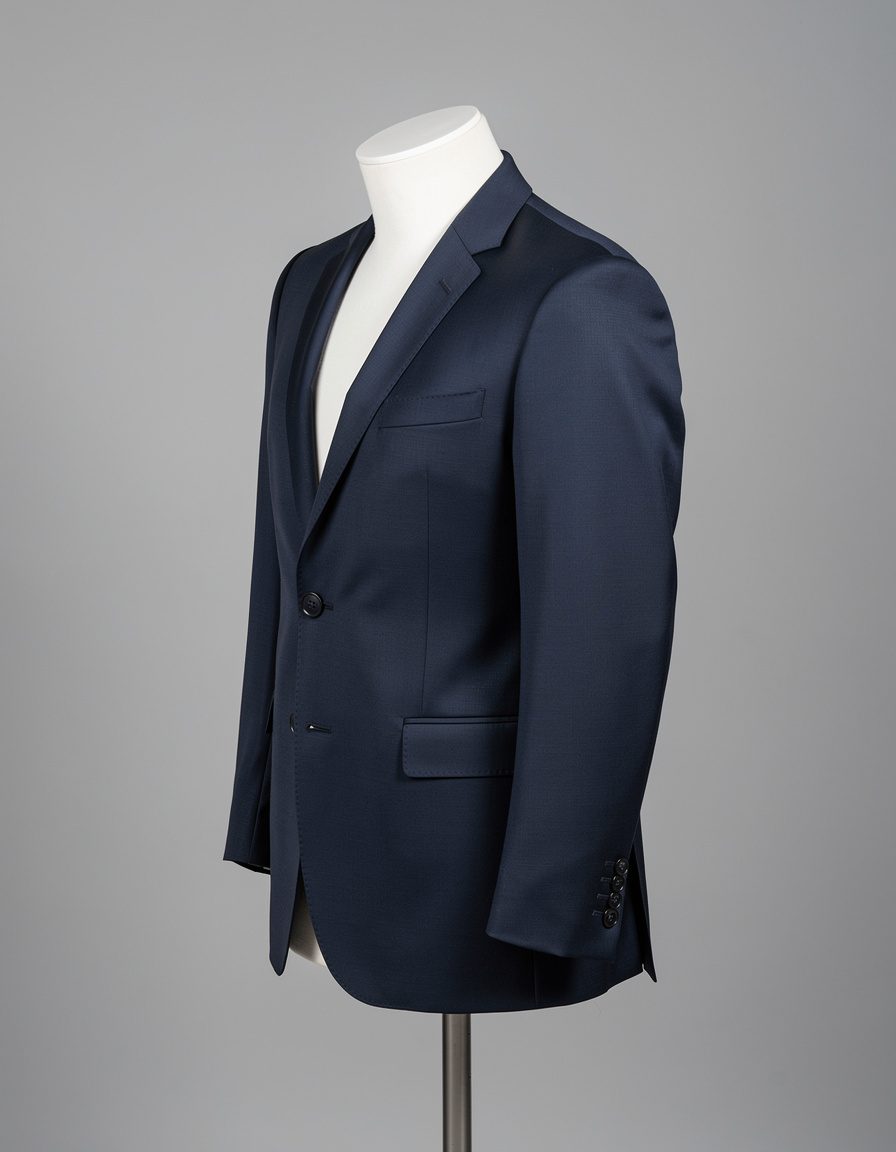
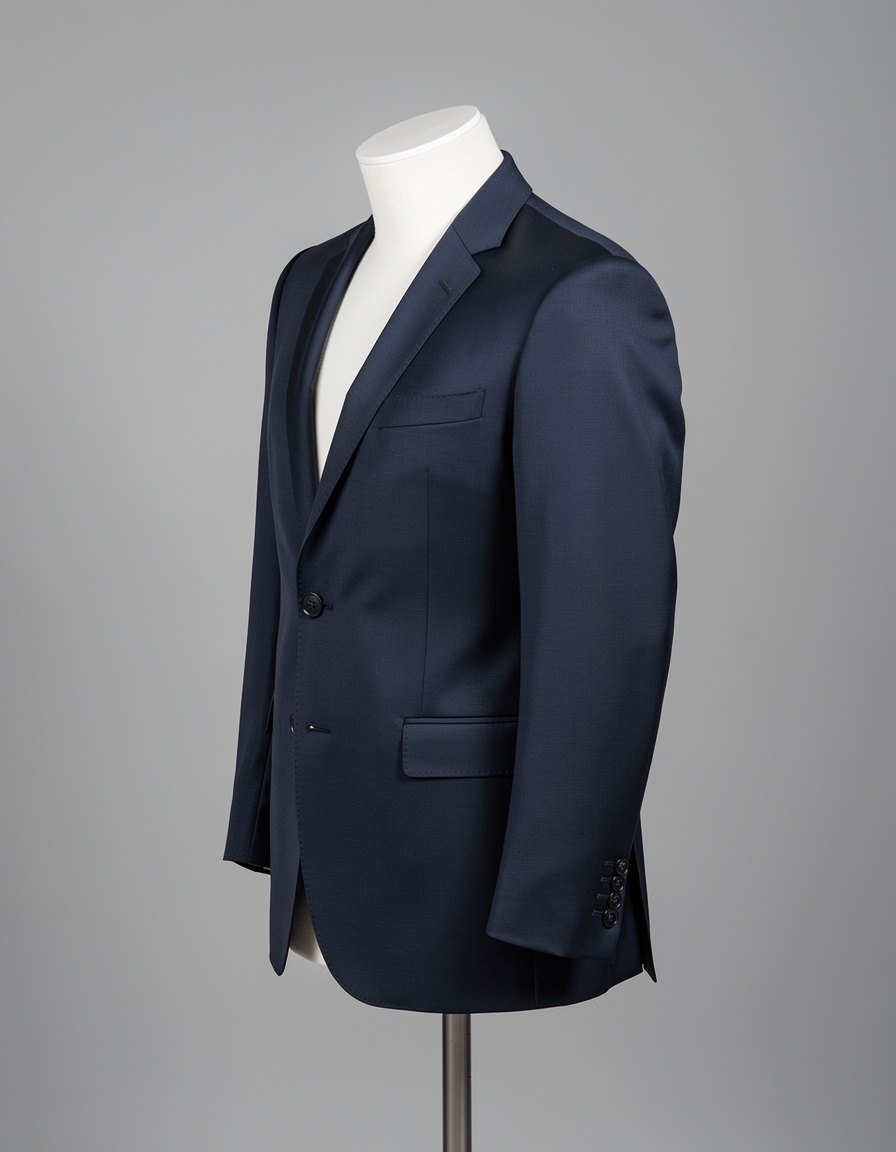
Clean studio fashion product photograph of a single tailored navy blue jacket on a matte torso mannequin, front three-quarter view, crisp lapels, visible fabric weave, natural folds and buttons, controlled neutral lighting, plain gray background, no person, no text, no split screen
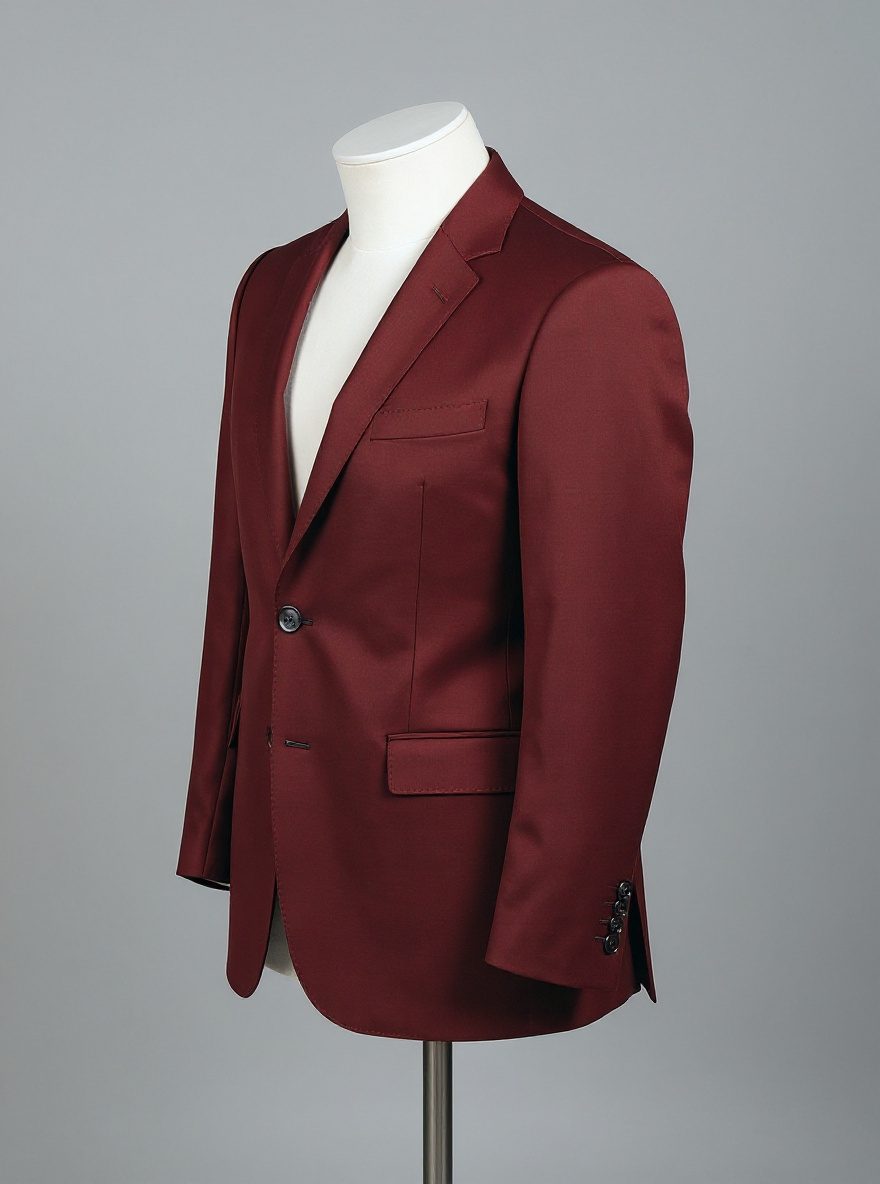
Change only the jacket fabric color from navy blue to warm burgundy. Preserve the exact jacket cut, lapels, seams, fabric weave, buttons, folds, mannequin, camera angle, framing, gray background, lighting, and shadows. Do not alter the white mannequin or add anything. No text.
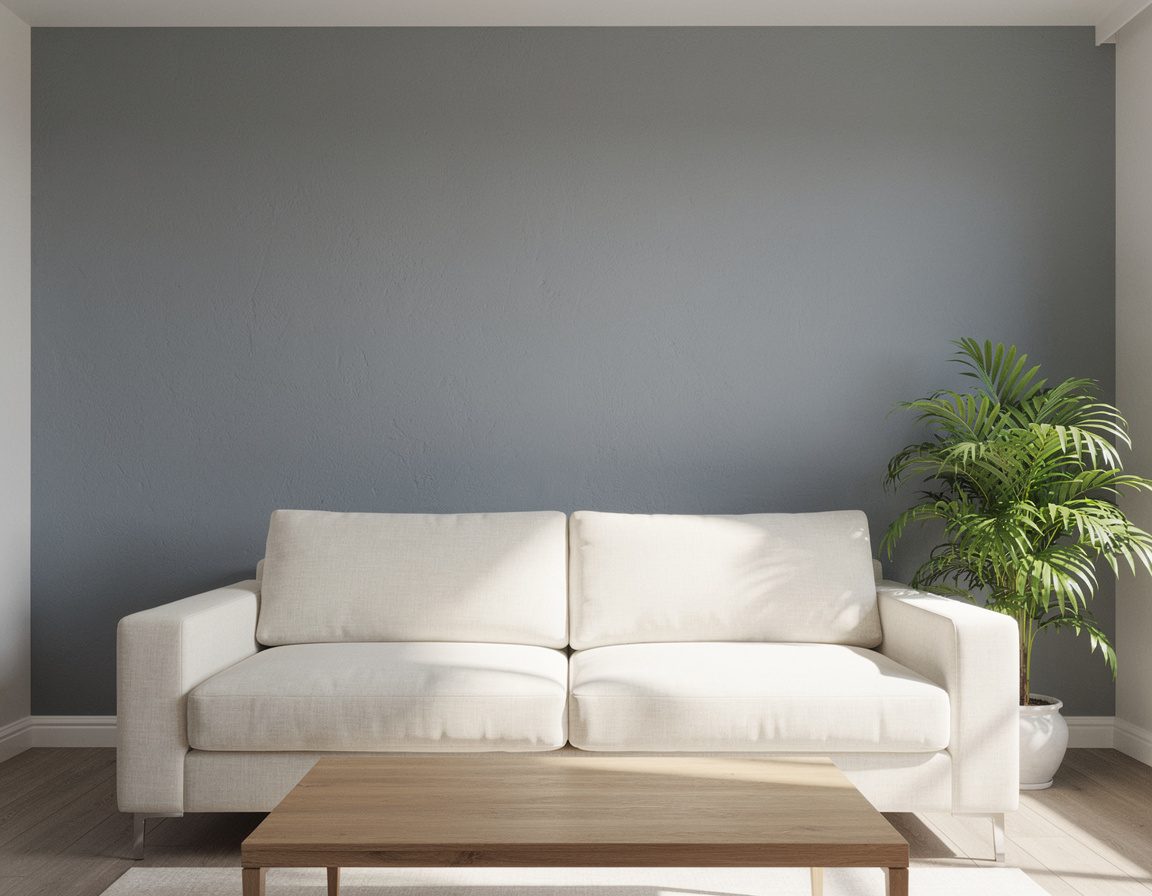
High-quality daylight interior photograph of a modern living room with one prominent cool-gray painted feature wall behind a cream sofa, wooden coffee table, and green plant, realistic wall texture and clean edges, balanced natural window light, no people, no text, no split screen
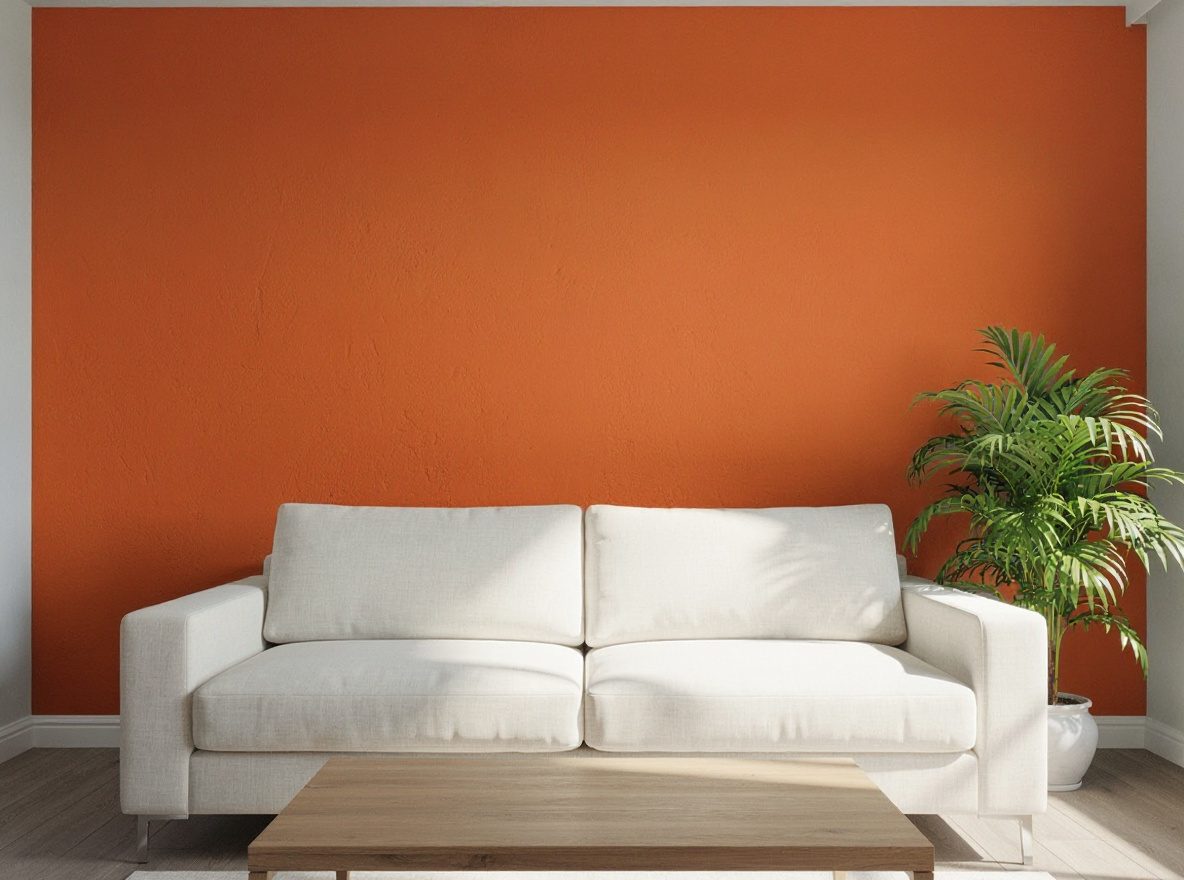
Change only the painted feature wall color from cool gray to soft terracotta. Preserve the exact wall boundaries, surface texture, cream sofa, wooden coffee table, green plant, decor, camera angle, framing, natural daylight, reflections, and shadows. Do not change furniture or add or remove anything. No text.
Create your version
Turn this inspiration into photos of you
Upload your photos once, then create new images with your identity, style, and ideas.
About this pack
AI Image Recolor Before and After Examples
A private set of clear before-and-after recolor examples supporting the existing PixelGenie recolor feature. Each concept demonstrates a different practical editing intent, such as product variants, clothing changes, room palettes, branding, and seasonal adjustments.
Usage
Free with a PixelGenie AI backlink
Download any photo from its details page. Credit PixelGenie AI when you publish the image.
Open the first photo