AI Photo Editor Before and After Examples
Explore three true AI photo editing before-and-after pairs for portrait correction, product cleanup, and outdoor enhancement. Each example shows a focused edit while preserving the original subject, composition, geometry, and identity.
Complete collection
Photos in this pack
Open any photo, then use arrow keys
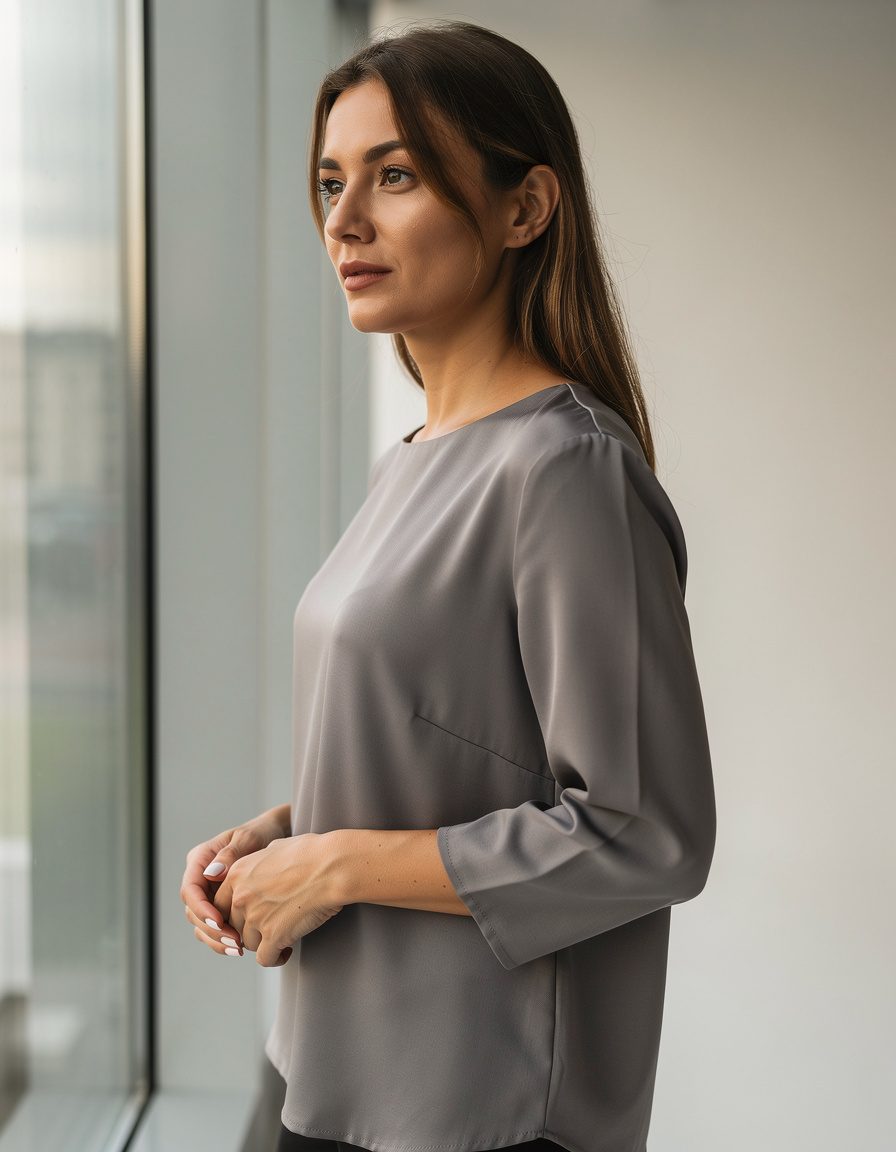
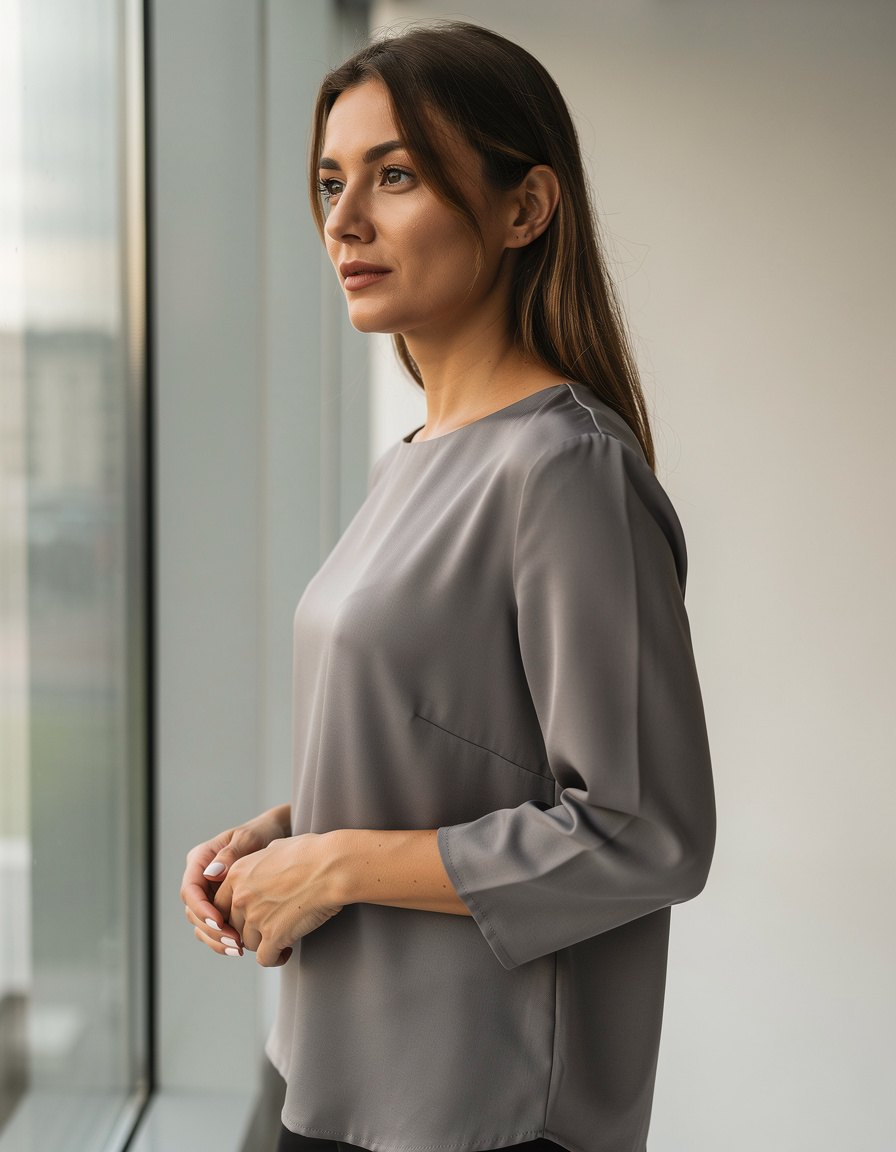
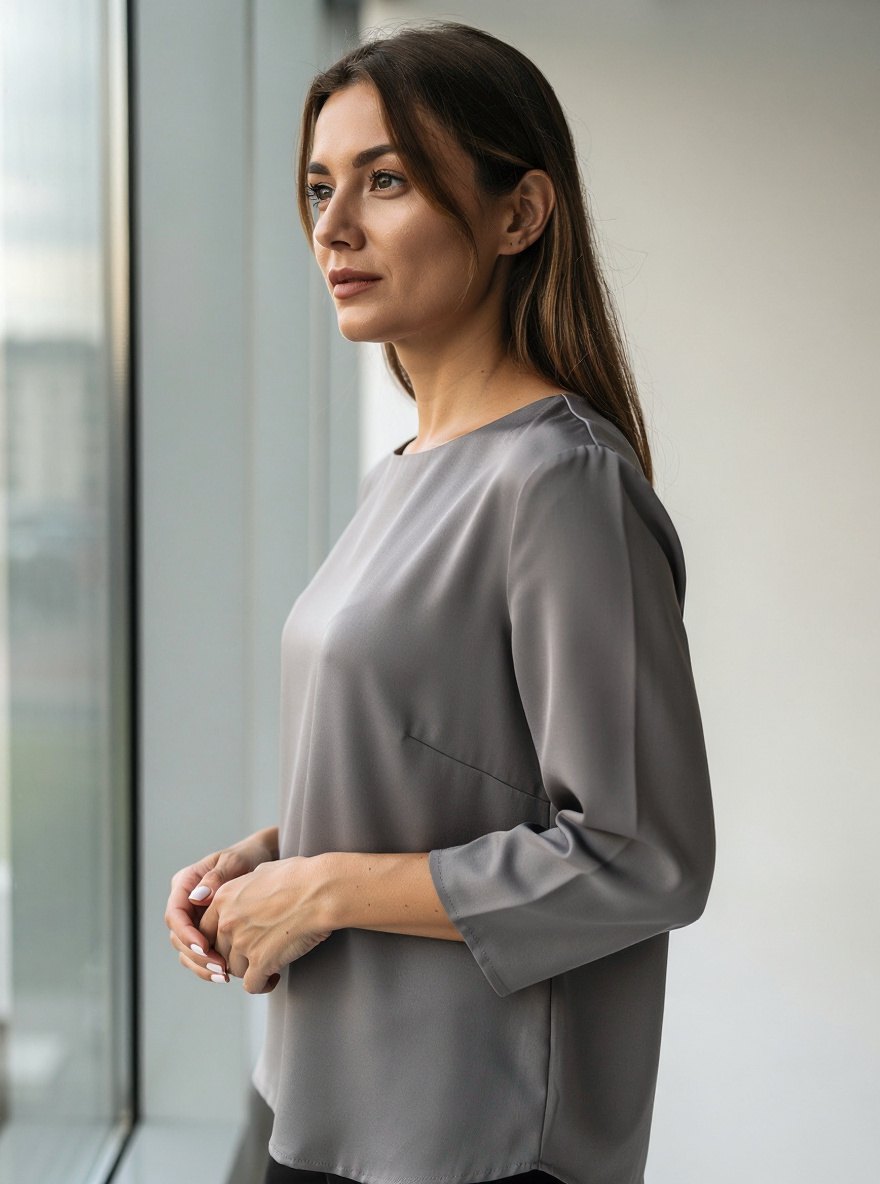
Before image for a photo editing example: realistic three-quarter portrait of one adult woman standing beside a large window in a simple studio, slightly underexposed face with a mild warm indoor color cast, neutral gray blouse, natural pose, clean background, accurate anatomy and hands. No readable text, letters, numbers, brands, logos, or watermarks.
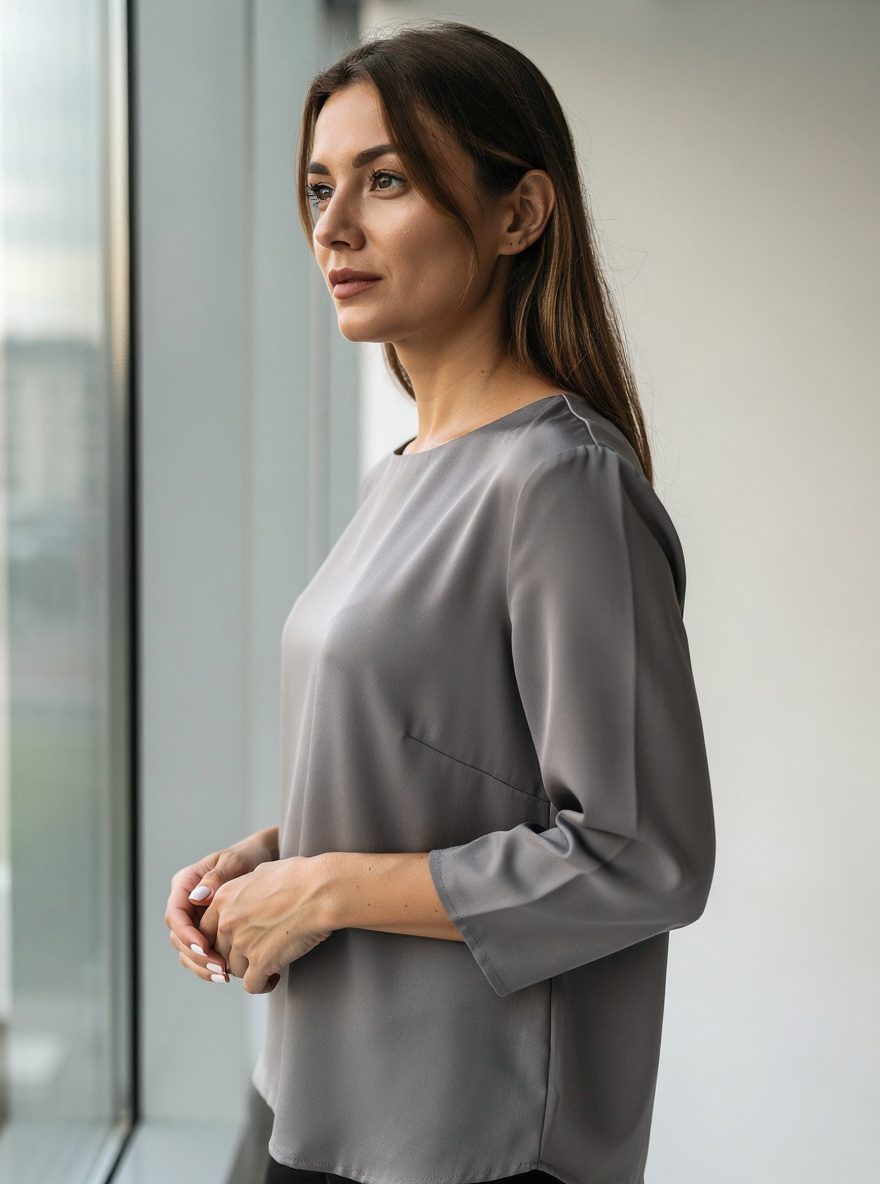
Correct only the portrait exposure and white balance. Brighten the face naturally and remove the warm color cast. Preserve the exact adult identity, pose, clothing, hair, hands, background, camera angle, crop, geometry, and every object. Add no text, logos, or new objects.
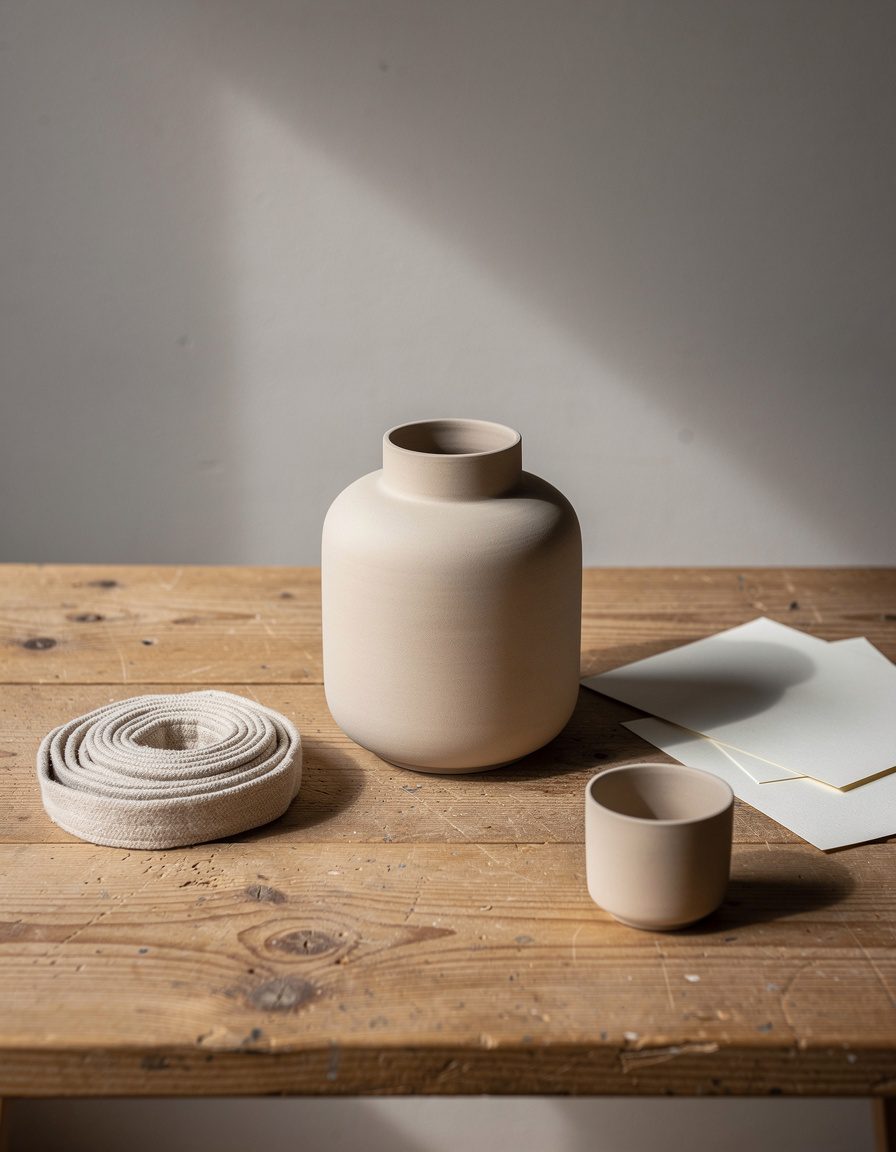
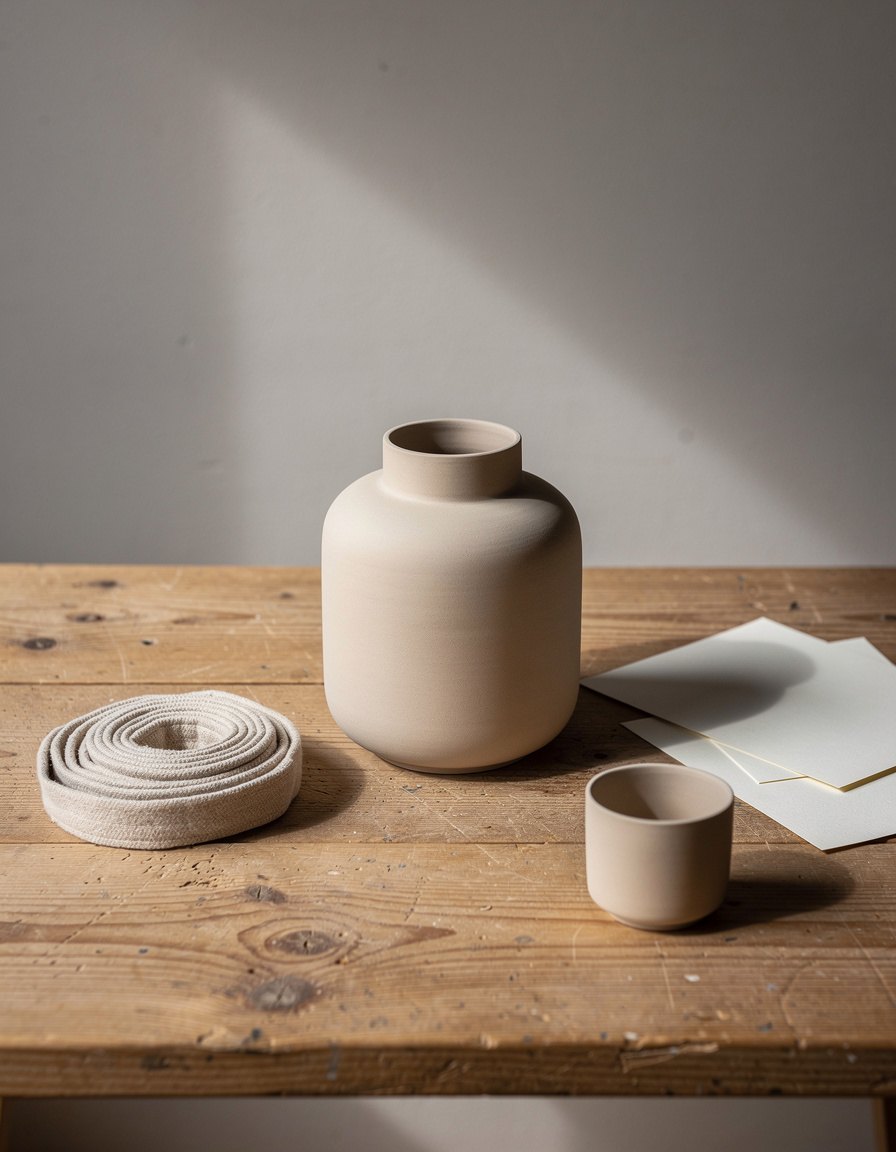
Before image for a product photo editing example: realistic handcrafted matte ceramic vase centered on a wooden workshop table, soft side light, with one plain unmarked coiled fabric strip, three blank paper scraps, and one small unbranded ceramic cup around it. Accurate vessel geometry and natural shadows. Every object must be fully visible. All surfaces must have no numbers, letters, symbols, labels, signatures, or marks. No people, brands, logos, or watermarks.
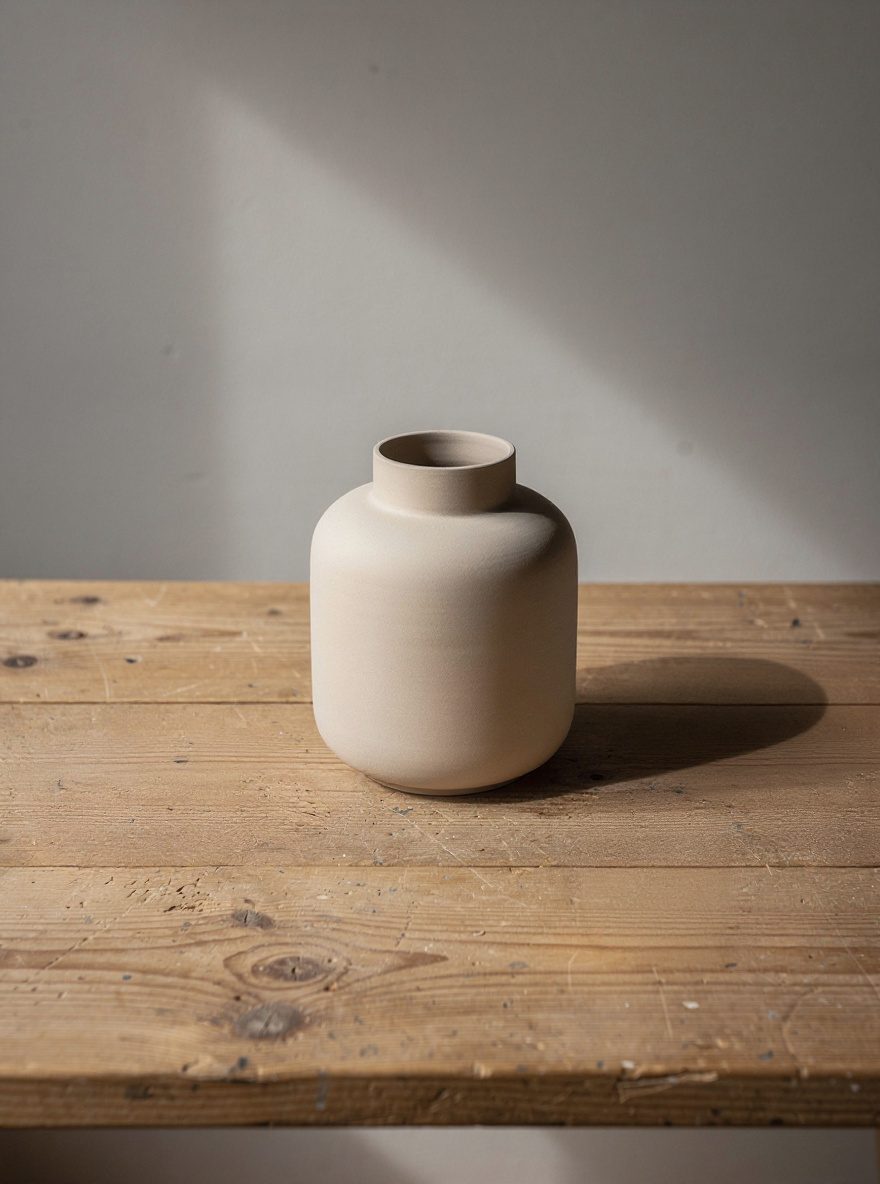
Remove only the plain coiled fabric strip, all blank paper scraps, and the small ceramic cup from the table. Replace each cleared area with matching wooden surface and matching natural shadows. Preserve the exact vase shape, size, material, color, position, camera angle, crop, lighting, wall, table geometry, and every other detail. Add no text, logos, marks, or new objects.
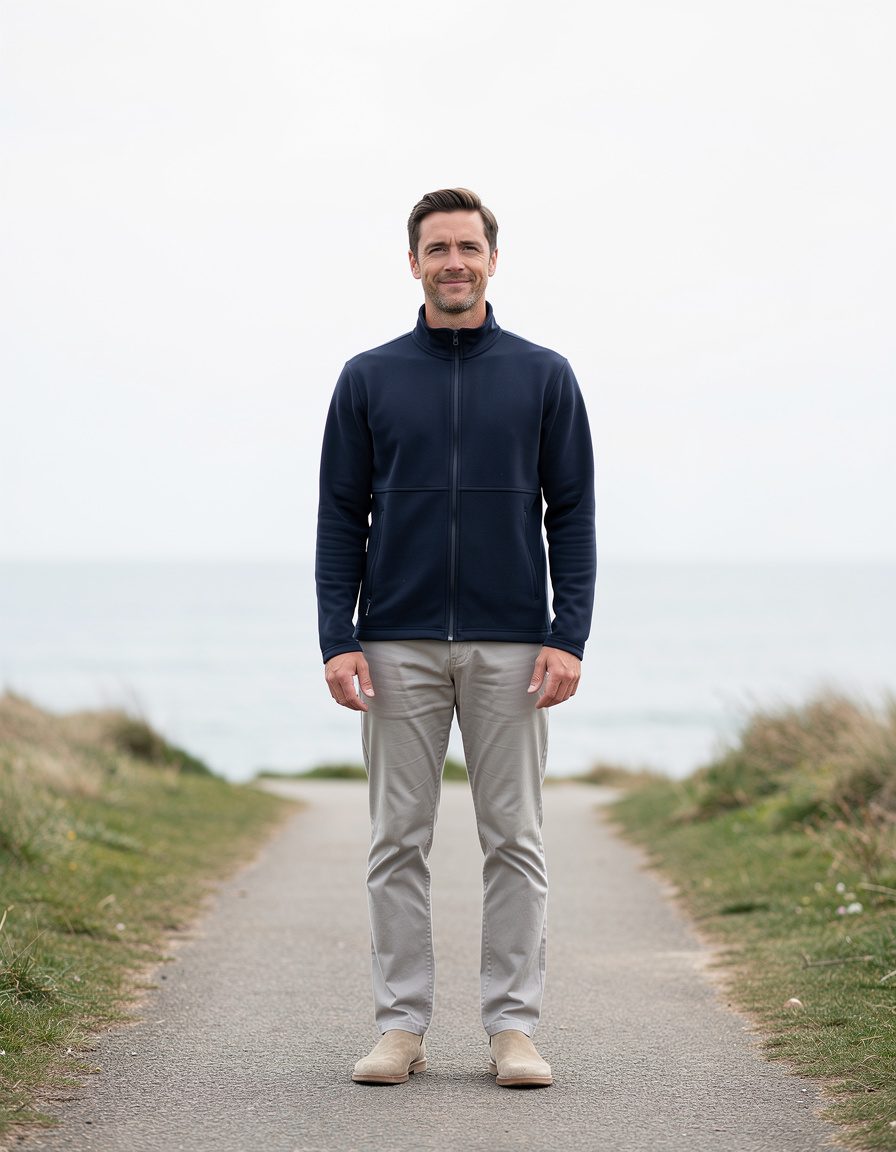
Before image for an outdoor photo editing example: realistic full-length portrait of one adult man on a quiet coastal path under a flat overcast sky. He wears a completely plain navy zip jacket with a smooth blank chest and neutral trousers. Natural standing pose, both hands visible, accurate anatomy, unbranded plain shoes, sea and low grass in the background. No chest marks, emblems, symbols, readable text, signs, brands, logos, labels, or watermarks anywhere.
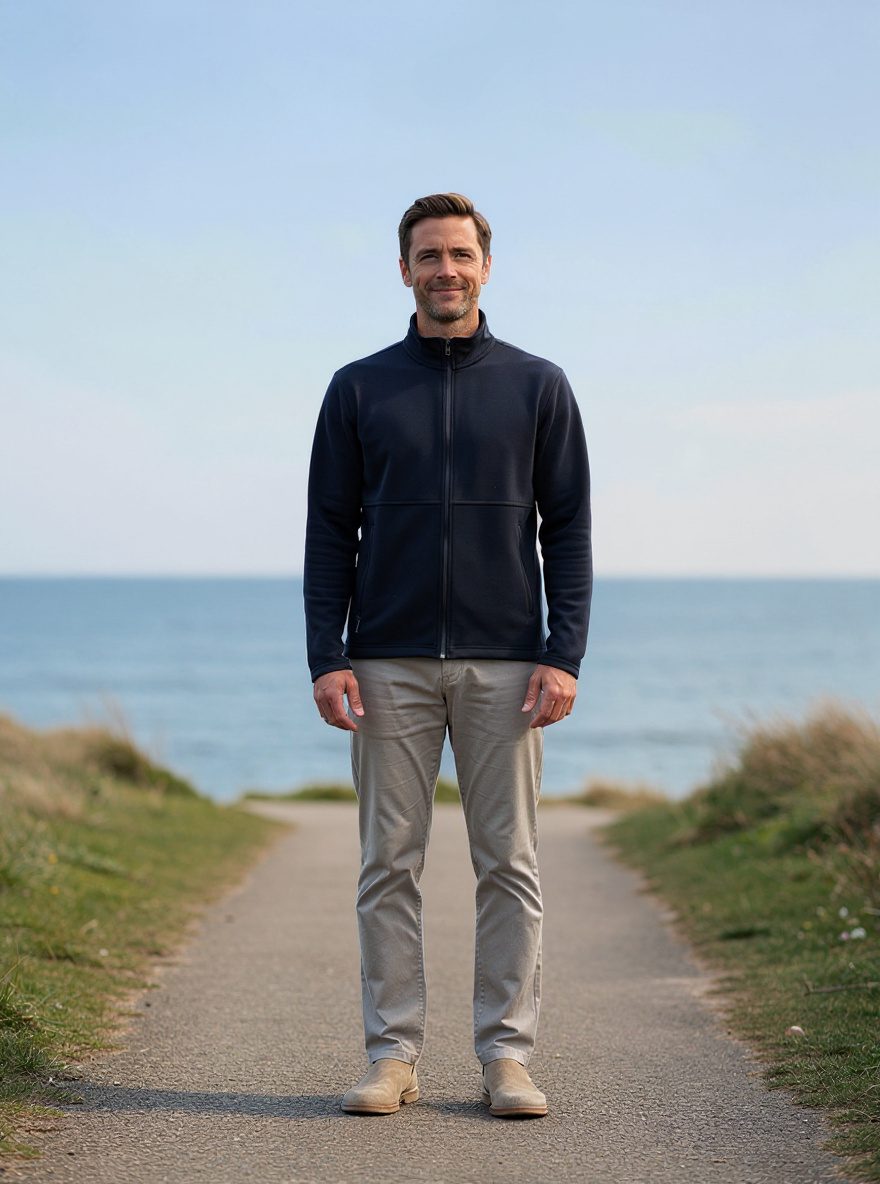
Change only the flat overcast sky to a natural soft blue late-afternoon sky with subtle clouds, and add matching gentle sunlight. Preserve the exact adult identity, pose, clothing, anatomy, path, sea, grass, camera angle, crop, geometry, and all other objects. Add no text or logos.
Create your version
Turn this inspiration into photos of you
Upload your photos once, then create new images with your identity, style, and ideas.
About this pack
AI Photo Editor Before and After Examples
Explore three true AI photo editing before-and-after pairs for portrait correction, product cleanup, and outdoor enhancement. Each example shows a focused edit while preserving the original subject, composition, geometry, and identity.
Usage
Free with a PixelGenie AI backlink
Download any photo from its details page. Credit PixelGenie AI when you publish the image.
Open the first photo